













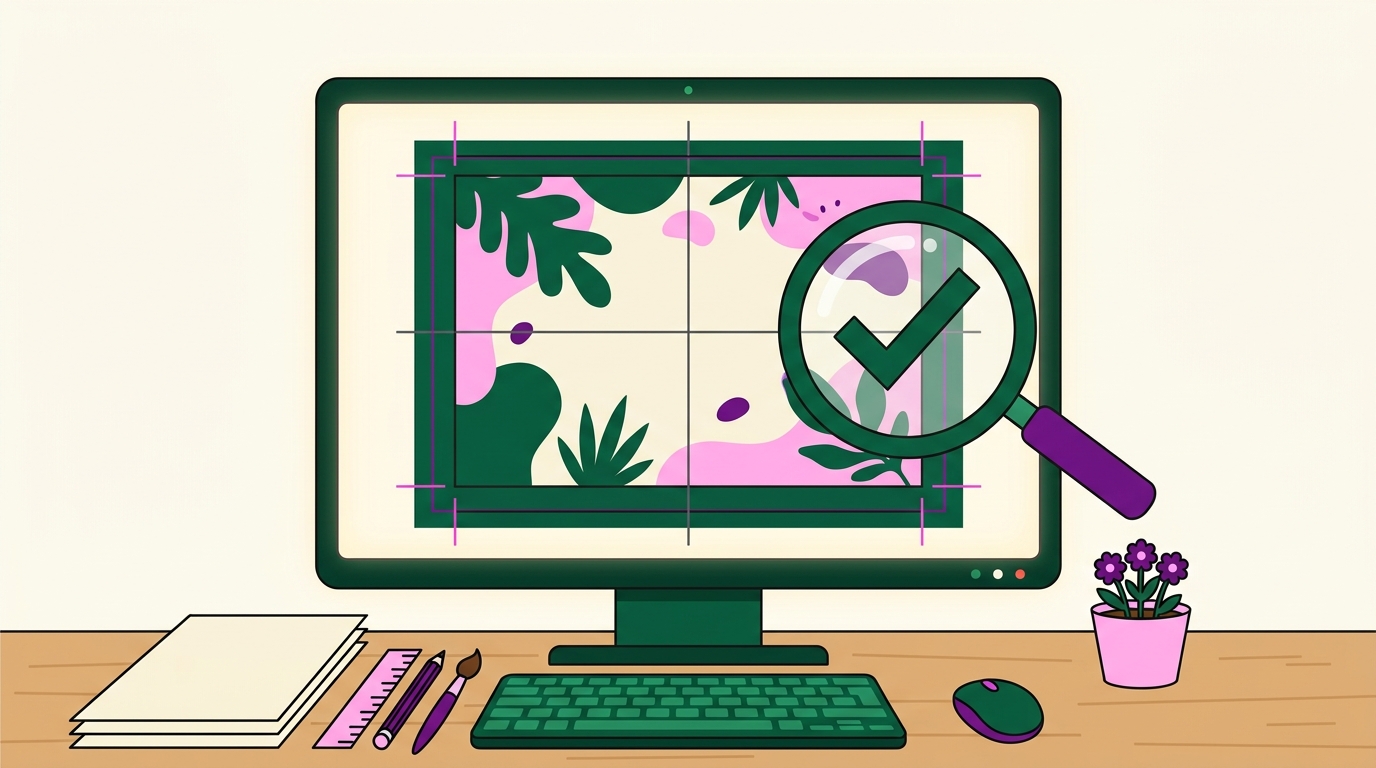
Great signage starts with a good file. Here is how to make sure your artwork prints sharp and clean — these are the exact things our automatic preflight checks.
1. Add 3mm bleed
 Extend your background 3mm beyond the trim on every side so there are no thin white edges after cutting. Keep important text and logos at least 5mm inside the trim (the safe area).
2. Resolution: aim for 100+ DPI at final size
 For large format, 100–150 DPI at the printed size looks crisp. A small 72-DPI web image blown up to a 1-metre sign will look soft. Bigger pixel dimensions = sharper print.
How much resolution you need depends on how close people stand. A menu board read at arm's length needs far more detail per inch than a fascia sign read from across the road:
| Viewing distance | Recommended DPI at final size | Typical use |
|---|---|---|
| Under 1m (handheld) | 150–300 DPI | Table talkers, menu boards, brochures |
| 1–3m | 100–150 DPI | Reception signage, indoor wall graphics, posters |
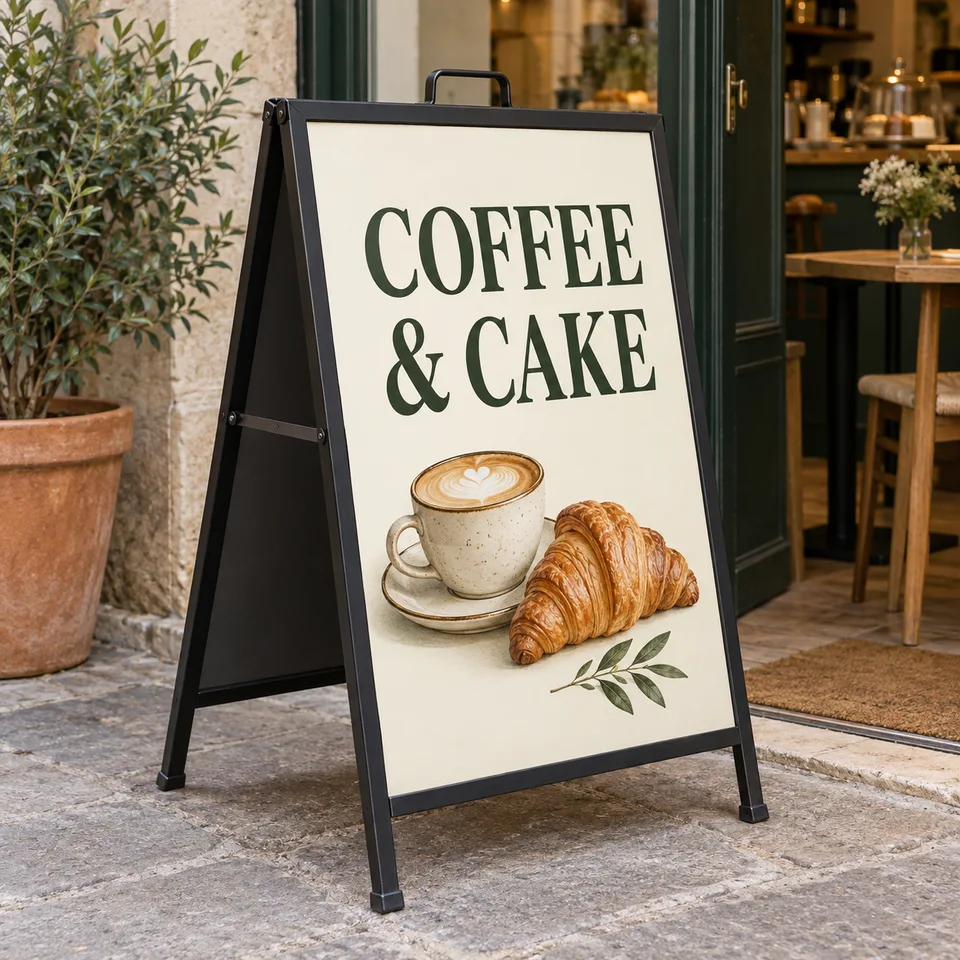
| 3–10m | 50–100 DPI | Shopfront fascias, A-frames read from the pavement |
| 10m and beyond | 25–50 DPI | Large banners, hoardings, building wraps |
That's why a logo that looks fine on a laptop can still print soft on a banner. The file's pixel dimensions have to grow with the physical size; they can't stay fixed. When in doubt, send the largest file you have and let our preflight tell you if it falls short for the size you ordered.
3. Prefer vector files
 Vector files (.ai, .pdf, .svg) scale to any size with zero quality loss — perfect for logos and text. If you only have a raster image (PNG/JPG), send the highest resolution you have.
4. Match the file size to your order
 If you order a 600 × 400 mm sign, set your artwork to 606 × 406 mm (with 3mm bleed). We will flag a mismatch and scale to fit, but matching avoids surprises.
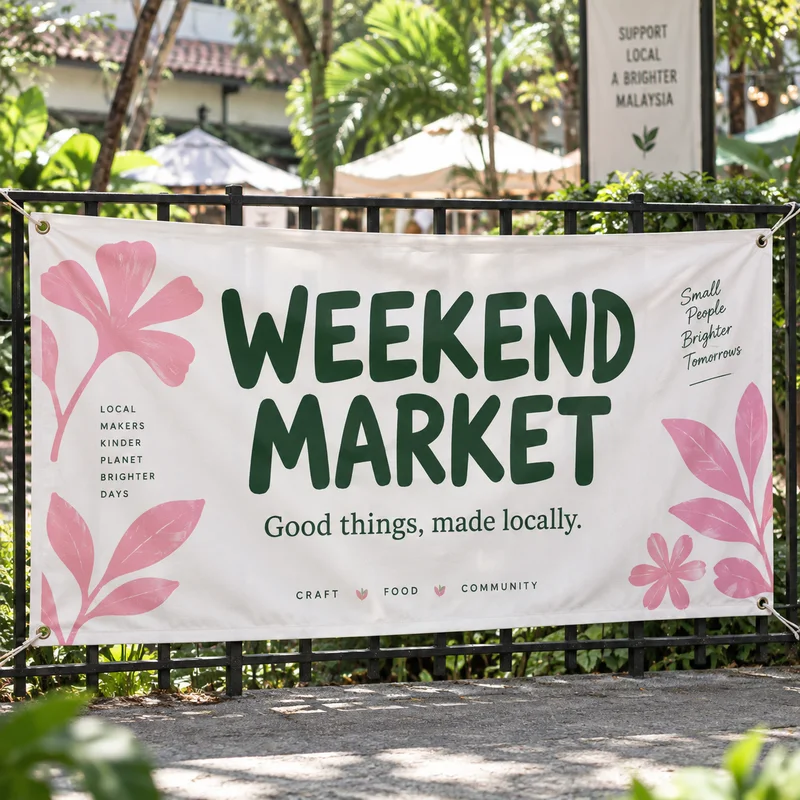
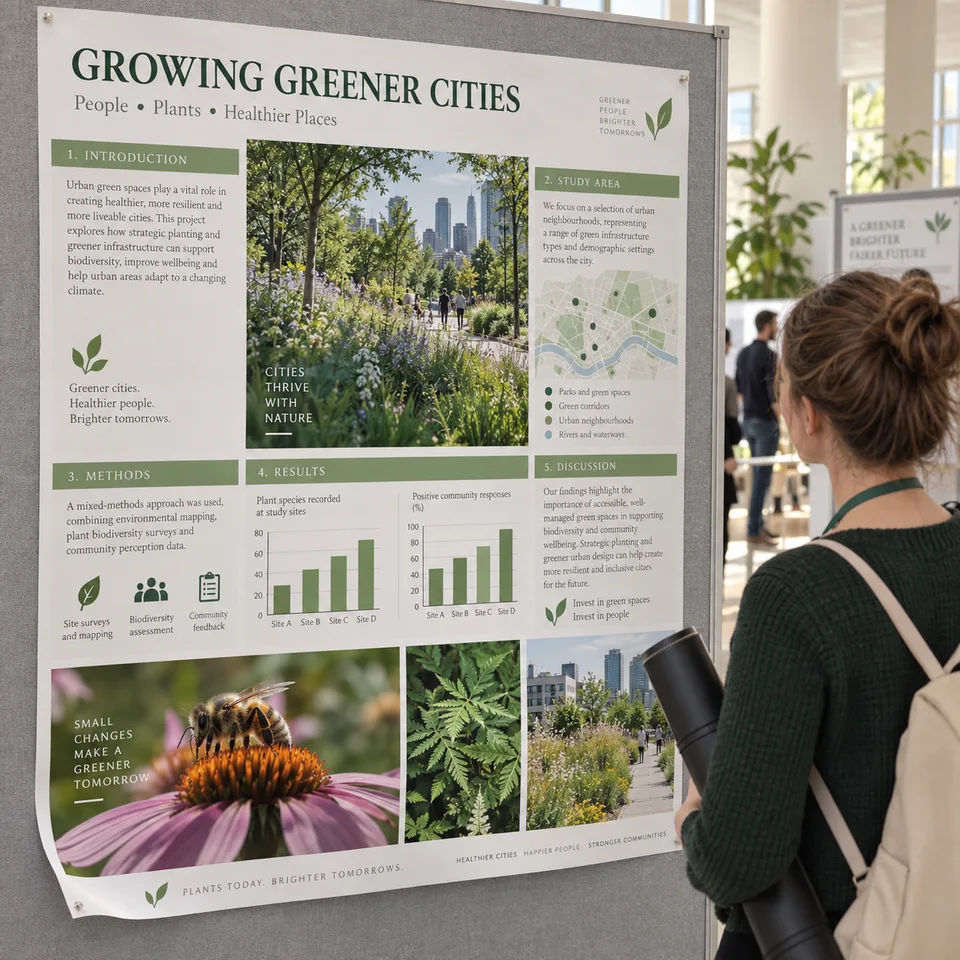
This matters most on big pieces like a banner, where a small file mistake shows at full size.
5. Large files (TIFF over 100 MB)?
Upload it to Google Drive / Dropbox / WeTransfer and paste the share link in the configurator — no need to wait on a huge upload.
File formats at a glance

| Format | Vector or raster | Best for | Watch out for |
|---|---|---|---|
| .ai (Illustrator) | Vector | Logos, text, line art | Outline all text before sending, or a missing font reflows the layout |
| Usually vector | Universal, print-ready | Flatten transparency and embed fonts before export | |
| .svg | Vector | Web-native vector art | Some filter effects don't survive export cleanly |
| .png | Raster | Graphics needing transparency | Export at full pixel size, not the web-optimised version |
| .jpg | Raster | Photos | No transparency layer; avoid repeated re-saves, which compound compression loss |
What actually goes wrong
Most reprints trace back to one of four things:
- RGB colours that shift on print. Signage prints in CMYK ink, not the RGB light your screen uses, so bright greens, electric blues and neon pinks come out more muted than they looked. Design in CMYK from the start where you can. Our RGB vs CMYK printing guide covers how to convert and what shifts most.
- Fonts not outlined. If a font isn't installed on the machine that opens your file, text reflows or substitutes silently. Converting text to outlines (curves) before you send it removes the risk entirely.
- Transparency not flattened. Drop shadows, glows and blend modes can render differently once flattened for print than they preview on screen. Flatten the file and check it before sending.
- Hairlines disappearing at size. A thin vector stroke that looks fine on a laptop can vanish or print patchily once blown up to signage size. Keep fine lines to a sensible minimum weight for the final print size.
When you upload, we run all of these checks instantly and a designer reviews the file before anything prints. Start your order →
FAQ
What resolution do I need for large-format printing?
Aim for 100-150 DPI at the final printed size. A 72 DPI web image enlarged to a one-metre sign will look soft. What matters is the total pixel dimensions relative to print size, not the DPI figure stored in the file.
What file formats do you accept for printing?
.ai, .pdf, .svg and high-resolution PNG or JPG. Vector formats give the sharpest result because they scale without quality loss. Files up to 4MB upload directly; for anything larger, paste a Google Drive, Dropbox or WeTransfer link instead.
How much bleed does a signboard need?
3mm on every side, with important text and logos kept at least 5mm inside the trim. For a 600 x 400 mm sign, set the artwork up at 606 x 406 mm. Our preflight flags files that arrive without bleed before anything is printed.
Do you check artwork before printing?
Yes. Every file goes through automatic preflight for resolution, dimensions and bleed, followed by a designer review. If something is wrong we tell you and fix it first. There is no artwork or setup fee.
What happens if my file is the wrong size?
We flag the mismatch and scale to fit rather than printing something distorted. Matching the artwork to your ordered dimensions avoids unexpected cropping, so set the file to your ordered size plus 3mm bleed on each side.