



A 3 × 6 ft banner is 3,600 × 7,200 pixels at 100 dpi — and 100 dpi at the finished size is what most banners need to print sharp, because they are read from a few metres away. Add 3 mm of bleed on every side and the file becomes 3,624 × 7,224 px. The rule behind every number on this page is one line: width in inches × dpi = width in pixels.
How to work out a banner's size in pixels

- Convert the banner size to inches. One foot is 12 inches; one inch is 25.4 mm. A 3 × 6 ft banner is 36 × 72 in.
- Choose the dpi from how far away people read it (the table further down). For most banners, 100.
- Multiply. 36 × 100 = 3,600 px wide; 72 × 100 = 7,200 px tall.
That is the whole calculation. The dpi number stored inside a file means nothing on its own — a file can say "72 dpi" and still have 7,200 pixels, which prints fine. What matters is how many pixels are spread across each inch of the finished banner.
Standard banner sizes in pixels
The sizes Malaysian businesses order most, in either orientation:
| Banner | Inches | 50 dpi | 100 dpi | 150 dpi |
|---|---|---|---|---|
| 2 × 5 ft | 24 × 60 | 1,200 × 3,000 | 2,400 × 6,000 | 3,600 × 9,000 |
| 3 × 6 ft | 36 × 72 | 1,800 × 3,600 | 3,600 × 7,200 | 5,400 × 10,800 |
| 4 × 8 ft | 48 × 96 | 2,400 × 4,800 | 4,800 × 9,600 | 7,200 × 14,400 |
| 10 × 3 ft | 120 × 36 | 6,000 × 1,800 | 12,000 × 3,600 | 18,000 × 5,400 |
| 20 × 4 ft | 240 × 48 | 12,000 × 2,400 | 24,000 × 4,800 | 36,000 × 7,200 |
| 8 × 8 ft backdrop | 96 × 96 | 4,800 × 4,800 | 9,600 × 9,600 | 14,400 × 14,400 |
For the price of each of these sizes, see standard banner sizes in Malaysia.
Roll-up banner file sizes
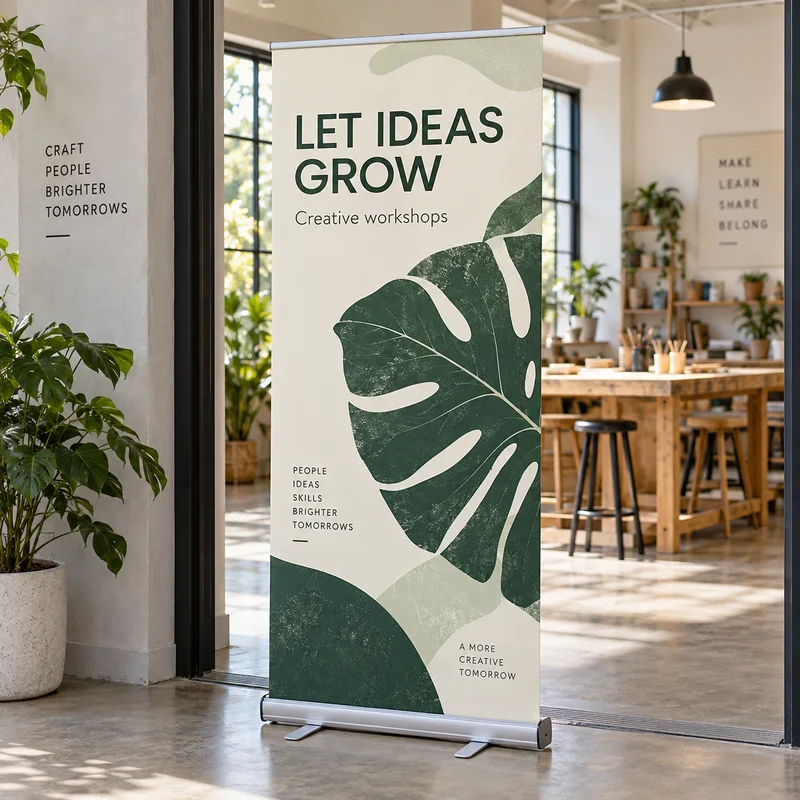
Stand banners are read from arm's length to a couple of metres, so they deserve more detail — 150 dpi:
| Stand banner | Finished size | 100 dpi | 150 dpi |
|---|---|---|---|
| Roll-up banner | 85 × 200 cm | 3,346 × 7,874 | 5,020 × 11,811 |
| A1 poster, for comparison | 59.4 × 84.1 cm | 2,339 × 3,311 | 3,508 × 4,967 |
The roll-up banner guide covers how the stand holds the print.
What DPI does a banner need?

Resolution follows viewing distance. The further away the reader, the fewer pixels per inch the eye can resolve:
| Read from | DPI at finished size | Typical banner |
|---|---|---|
| Under 1 m | 150–300 | Counter card, table-top sign |
| 1–3 m | 100–150 | Roll-up, indoor event banner |
| 3–10 m | 50–100 | Shopfront banner, fence banner, backdrop |
| Over 10 m | 25–50 | Rooftop, building wrap, highway banner |
300 dpi is a print-brochure number, not a banner number. A 20 × 4 ft banner at 300 dpi would be 72,000 × 14,400 px — a file too heavy to open comfortably, and no sharper to someone standing across the road. A 12-megapixel phone photo (4,000 × 3,000 px) spread across the 3 ft side of a banner is about 83 dpi, which is enough for a banner read from a few metres.
Bleed and safe area
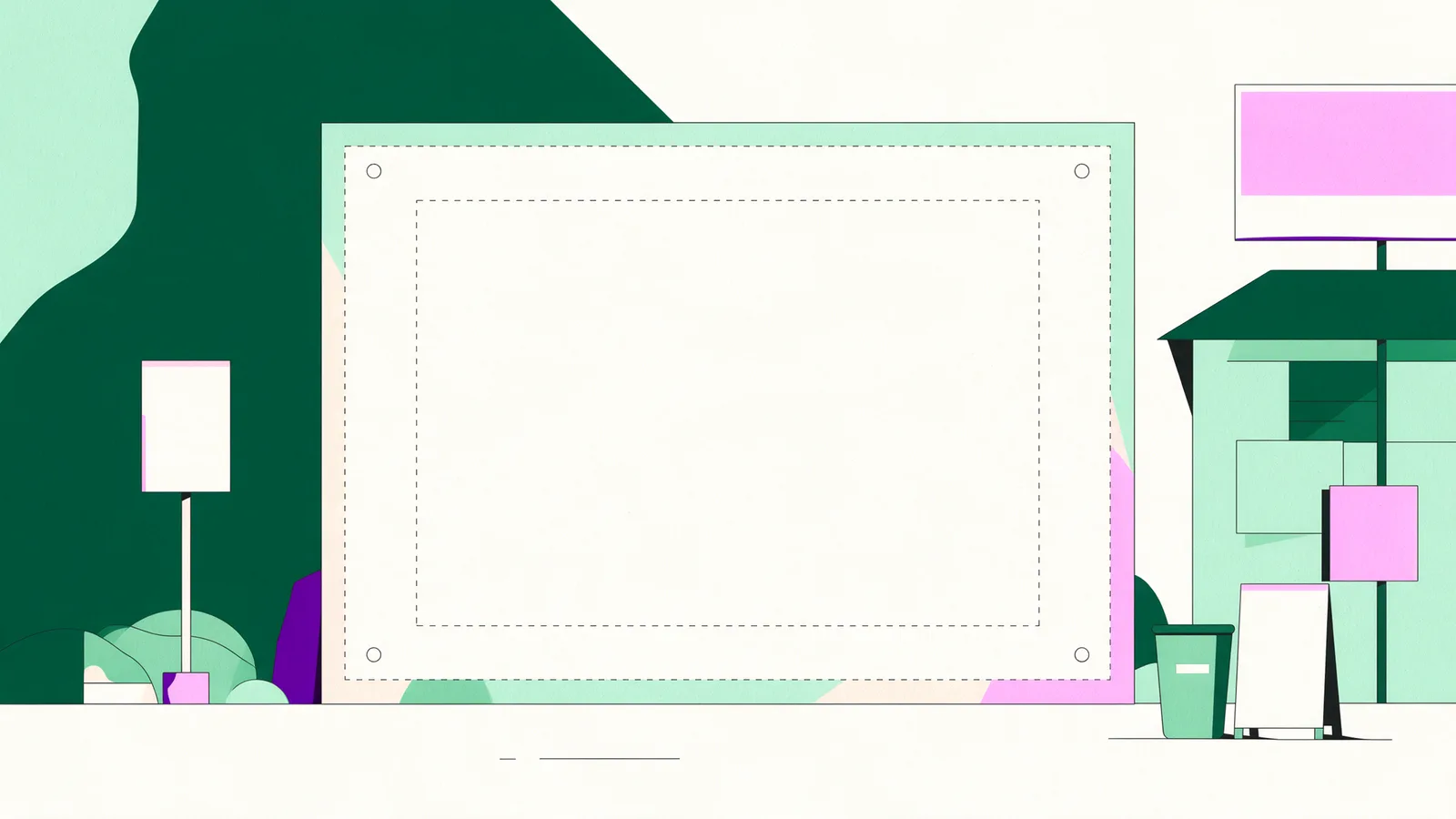
- Bleed: 3 mm on every side. Extend the background past the finished size so no white edge shows after cutting. At 100 dpi, 3 mm is about 12 px; at 150 dpi, about 18 px. A 3 × 6 ft banner file at 100 dpi with bleed is 3,624 × 7,224 px.
- Safe area: keep text and logos about 3 inches (75 mm) in from every edge. Eyelets are punched near the edge, rope and cable ties wrap round it, and a pole pocket folds it over. Anything important in that band gets a hole through it or disappears into a sleeve.
- Letter height: 1 inch of capital height for every 10 ft of reading distance. A banner read from 60 ft needs roughly 6-inch letters.
Setting up a banner in Canva

Canva is fine for banners, with one limit to plan around: its Help Center lists the maximum custom design size as 8,000 × 3,125 px, which is smaller than most banners at print resolution.
- Create a custom size in the banner's proportions, as large as Canva accepts — for a 3 × 6 ft banner, a 1 : 2 rectangle.
- Build text, shapes and logos as Canva elements rather than pasting in flattened pictures of them.
- Use the largest original photos you have.
- Download as PDF Print, and enter the real finished size when you order.
Text and shapes in a PDF are vectors, so they print sharp at any size; photographs are the part that softens when enlarged. The mistake to avoid is designing at a small template size and scaling a flattened export up afterwards — that is where blurry Canva banners come from.
Setting up a banner in Photoshop
- File › New: width and height in inches or millimetres at the finished size plus bleed, resolution 100 ppi (150 for a roll-up), colour mode CMYK.
- Photoshop's standard PSD format tops out at 30,000 pixels per side; beyond that you need the Large Document Format (PSB), which goes to 300,000. A 20 × 4 ft banner at 100 ppi is 24,000 × 4,800 px, so it fits in a PSD. At 150 ppi it would not — and at that distance it does not need to.
- Keep type as live text or vector shapes until the end, then export a PDF with fonts embedded.
Setting up a banner in Illustrator
- Illustrator is the better tool for banners that are mostly type and logos, because vectors have no resolution at all — the file prints equally sharp at any size.
- The standard artboard goes up to 227 × 227 inches. A 20 × 4 ft banner is 240 inches wide, so either create it larger — Illustrator switches to its Large Canvas (up to 2,270 × 2,270 inches) when you enter a size above 227 inches — or design at 1 : 10 scale and state the real size when ordering. Adobe notes that a large-canvas file saved down to a version earlier than Illustrator 24 is scaled to 10%.
- Photos placed in the artboard still need the pixel counts above. Set Effect › Document Raster Effects Settings to at least 100 ppi so shadows and glows do not print soft.
- Outline all text before exporting to PDF.
Five mistakes that make banners print blurry

- Designing at screen size. A 1,200 px web banner stretched to 10 ft is 10 dpi.
- Scaling up a finished JPG. Enlarging an export invents pixels; it cannot add detail. Rebuild at the right size instead.
- Using a logo copied from a website. Ask for the vector file (.ai, .pdf, .svg) — web logos are usually a few hundred pixels.
- Designing in RGB. Bright blues and greens shift when printed in CMYK ink; see RGB vs CMYK for printing.
- Text in the edge band. Eyelets and pockets eat the outer 2–3 inches; keep words well inside.
Every file uploaded to Tandaku is checked automatically for size, resolution and bleed and then by a designer before it prints. The full checklist is in how to prepare artwork for large-format printing.
FAQ
What size should a banner be for printing in pixels?
Multiply the size in inches by the dpi. At 100 dpi a 3 × 6 ft banner is 3,600 × 7,200 px, a 4 × 8 ft is 4,800 × 9,600 px and a 2 × 5 ft is 2,400 × 6,000 px. Add 3 mm bleed on every side, about 12 px at 100 dpi.
What DPI is best for banner printing?
100 dpi at the finished size for most banners. Use 50–100 dpi for banners read from beyond 3 metres, 100–150 dpi for roll-ups read up close, and 25–50 dpi for very large banners read from over 10 metres. 300 dpi is not needed.
Is a 72 dpi file OK for a banner?
The dpi label alone does not decide it; the pixel count does. A 72 dpi file that is 3,600 × 7,200 px prints a sharp 3 × 6 ft banner. A 72 dpi file that is 1,200 px wide does not, whatever the label says.
How much bleed does a banner need?
3 mm on every side. For a 3 × 6 ft banner at 100 dpi that makes the file 3,624 × 7,224 px. Keep text and logos about 3 inches in from the edges so eyelets, ties and pole pockets do not cut into them.
Can I design a banner in Canva?
Yes. Canva's maximum custom size is 8,000 × 3,125 px, so set up the banner's proportions within that limit, keep text and shapes as Canva elements, use large original photos and download as PDF Print. Vector text and shapes print sharp at the full size.
What size is a roll-up banner file?
A standard roll-up is 85 × 200 cm, which is 5,020 × 11,811 px at 150 dpi or 3,346 × 7,874 px at 100 dpi. Use 150 dpi, because roll-ups are read from close up.
What file format is best for banner printing?
A print PDF with fonts outlined or embedded and 3 mm bleed. Illustrator (.ai) and SVG vectors are ideal for logos and text; high-resolution PNG or JPG work for photographic designs if they meet the pixel sizes above.
Price your banner
Once the file is ready, enter the size on the banner configurator and upload it — the price is on screen before you pay, and the file check is free. Related reading: banner printing prices · standard banner sizes · how to prepare artwork