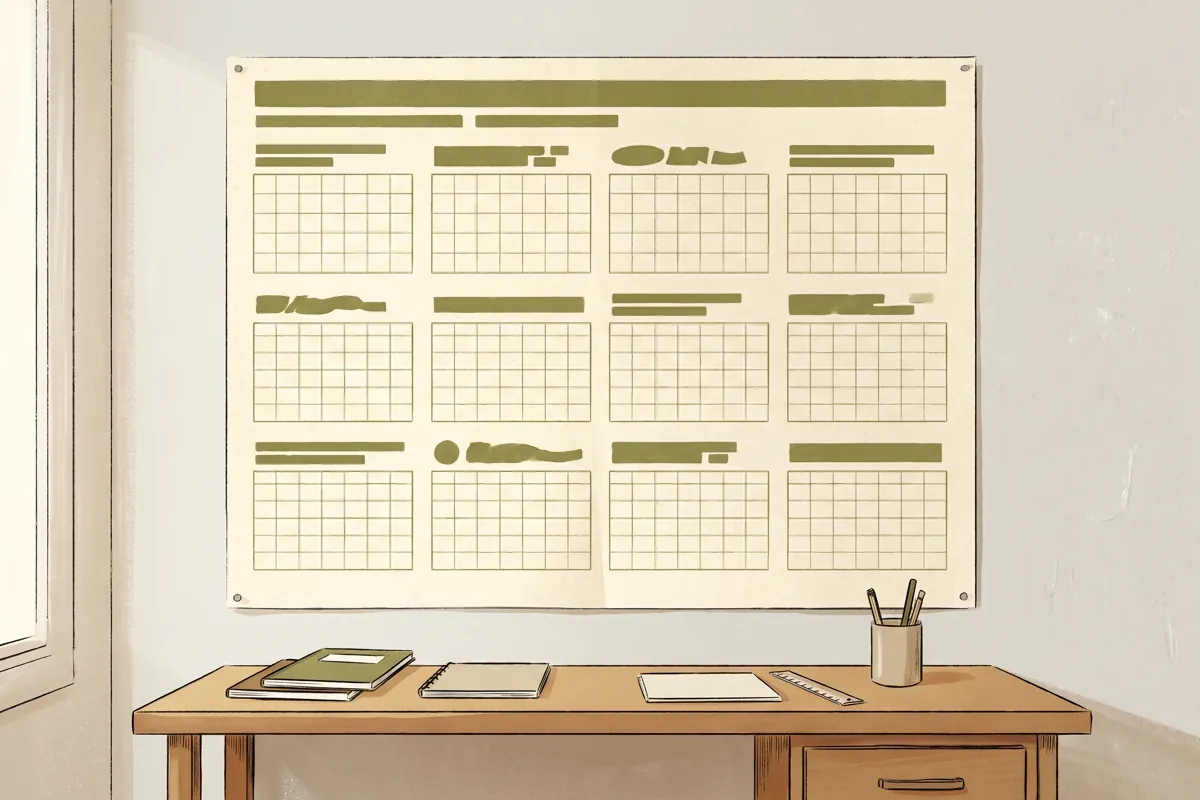
A 2027 calendar poster needs a checked date grid, readable day numbers and artwork sized for the finished print. Start with where people will read it and whether they need space to write. Then confirm the poster material, dimensions and display method before exporting the file.
Tandaku prints supplied calendar artwork through its poster printing product. This guide covers a single-sheet wall calendar or year planner. A bound calendar with tear-off monthly pages is a different specification and should be discussed separately.
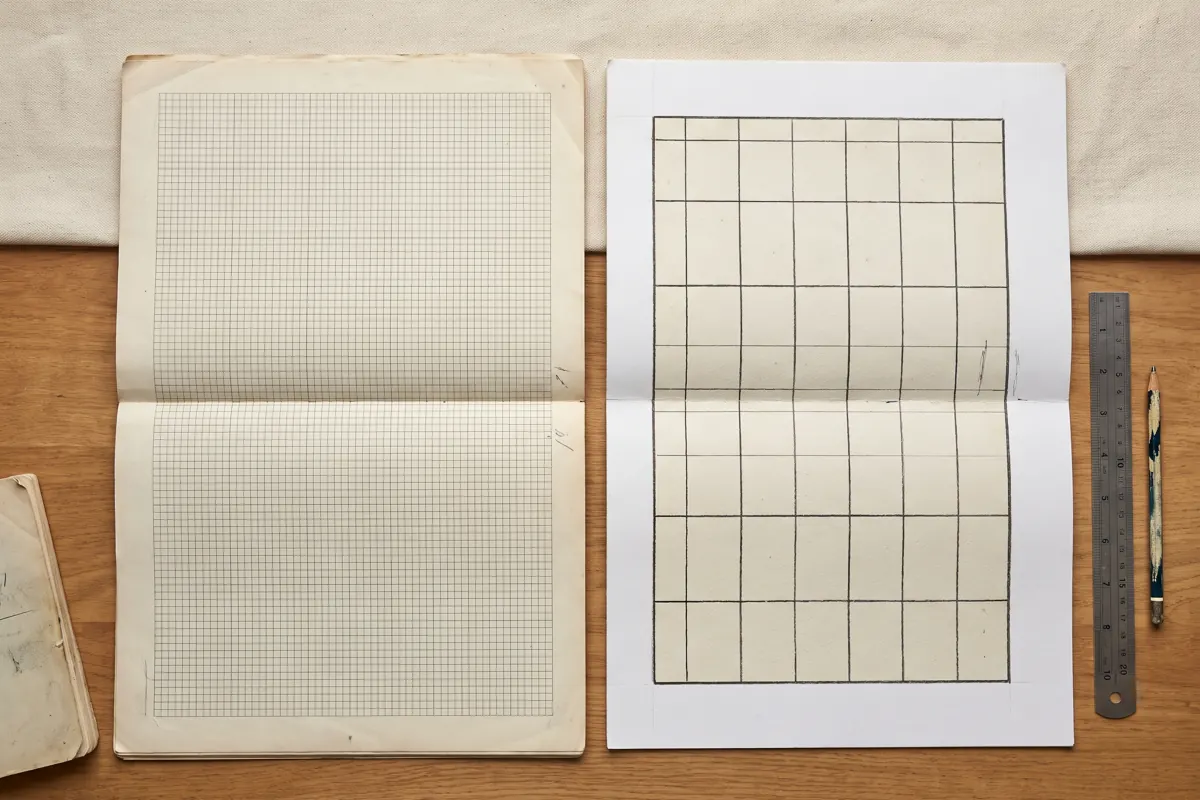
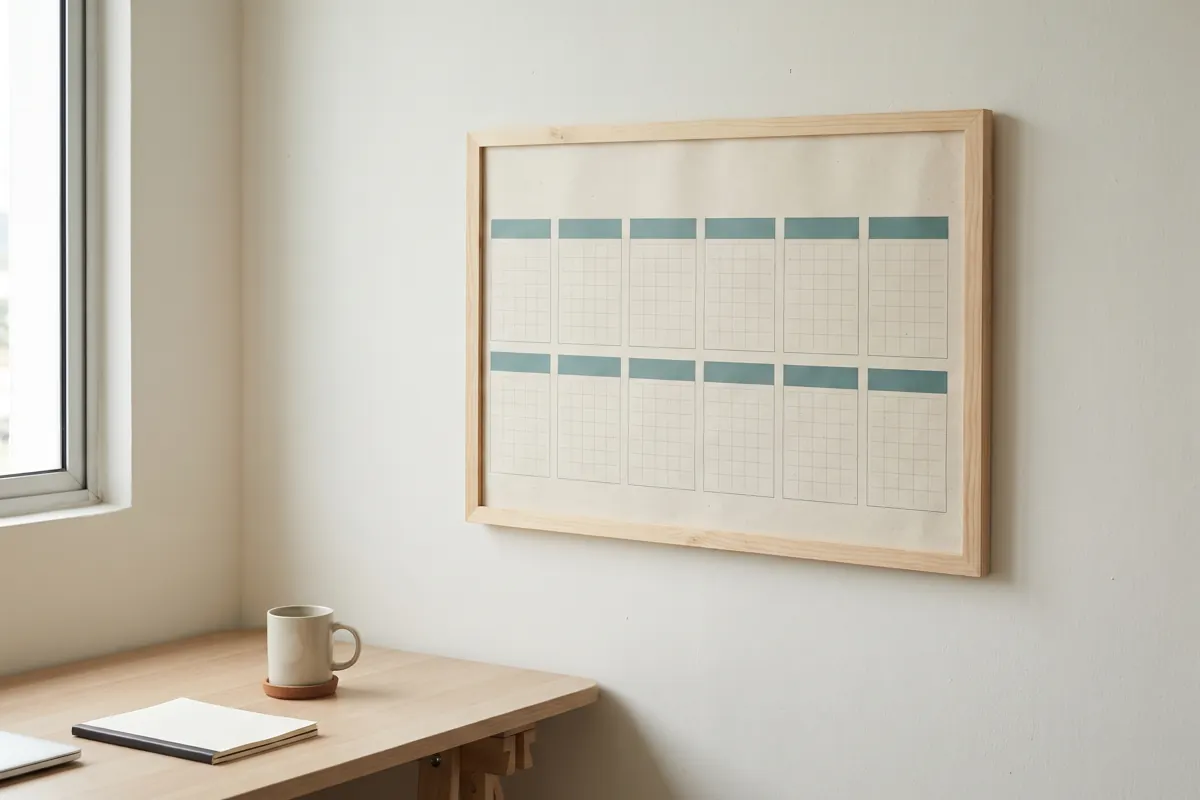
The five images in this article are AI-generated illustrations of layouts with placeholder grids. They are not printable calendar templates and must not be used to check dates or public holidays.
What should you check in a 2027 calendar before printing?
Check the year, every month's starting weekday, the number of dates in each month, the week-start convention and any holidays or business closures you have added. Review the entire grid after the final design export, not only in the editable file.
A template showing the right year in its heading can still contain an old date grid. Moving or copying cells while designing can also place a date under the wrong weekday. Compare the finished artwork against a separate reliable calendar rather than comparing two copies of the same template.
For a calendar used in Malaysia, decide which state or territory the audience needs. A list labelled simply “Malaysia holidays” may not represent every location. Verify the relevant year's official government notices before adding holiday labels, and keep company leave dates or closure plans distinct from public holidays. This article does not supply or verify a holiday list.
If you use generated artwork, treat every date and word as unverified until checked. An attractive AI image is useful for a layout idea; it does not establish that the month grid is correct.
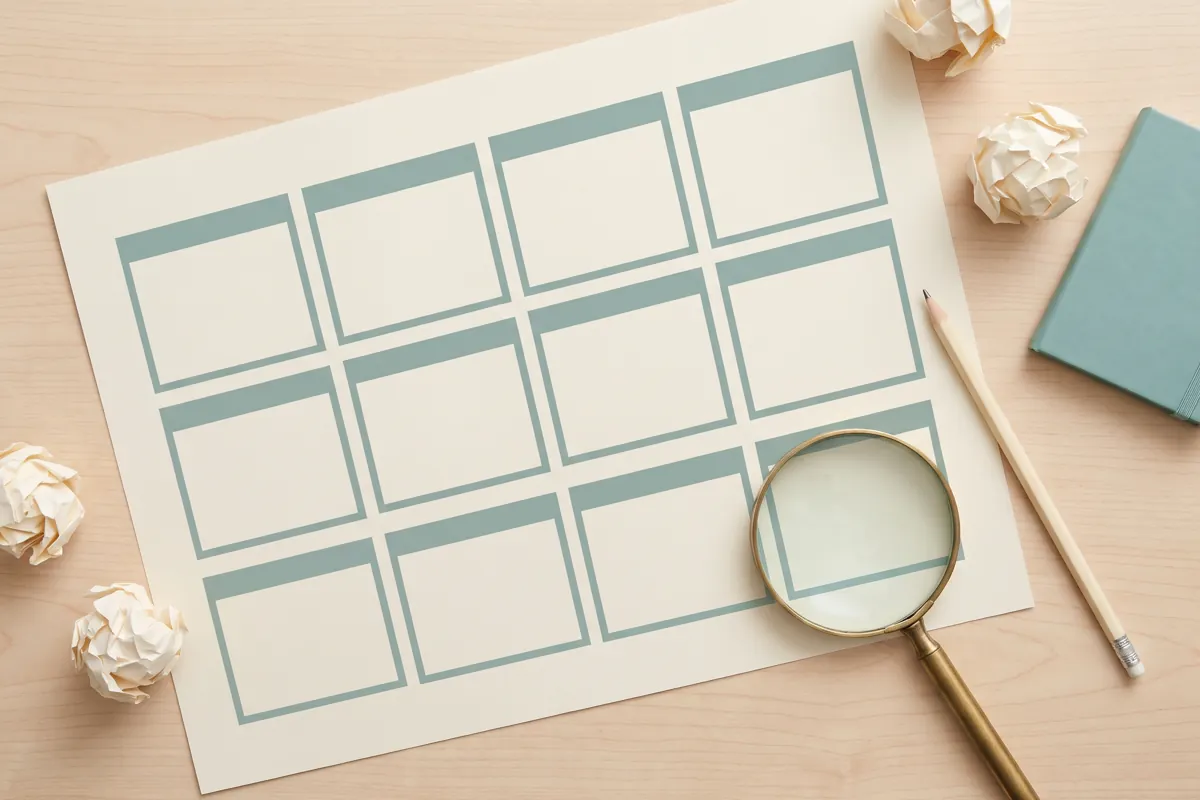
Choose the size for the place it will be read
A calendar beside a desk can use a different layout from one on the opposite side of an office. Decide whether the reader needs to find a date, write an appointment or see the whole year's production plan. Those uses need different amounts of space.
| Intended use | Artwork decision to make first |
|---|---|
| Quick date reference beside a desk | Keep month names and numbers clear; remove decoration that crowds them |
| Shared office wall planner | Allow larger grids and test readability from the usual viewing position |
| Appointment or project planning | Reserve enough blank space inside each day cell for the intended notes |
| Customer giveaway poster | Balance useful date information with a modest branding area |
| Framed calendar | Match the frame's print size and check the visible opening before placing edge text |
Common ISO poster sizes include A3 at 297 × 420 mm, A2 at 420 × 594 mm and A1 at 594 × 841 mm. These are size references, not a promise that every layout will read well at those dimensions. A twelve-month design with detailed holiday notes can become crowded even on a large sheet.
Our poster size guide covers the broader size and ordering choices. For a custom format, state width × height in millimetres and confirm portrait or landscape orientation. Avoid sending only a screenshot labelled “A2” without checking the document's actual dimensions.
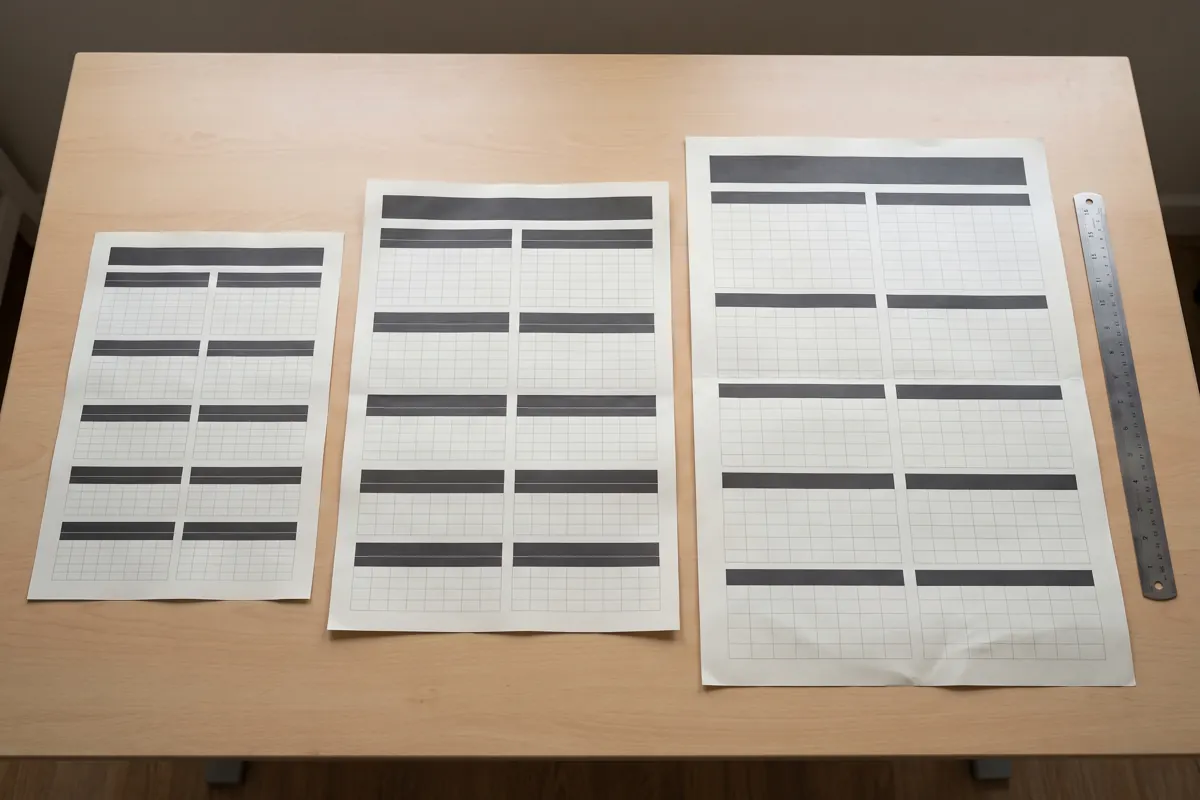
Make small dates easy to read
Use a simple typeface for day numbers and short weekday labels. Keep their colour sufficiently distinct from the background. Decorative lettering can sit in the title, but the date grid should remain easy to scan.
Decide whether weeks begin on Monday or Sunday, and apply that choice consistently across all twelve panels. If the artwork uses more than one language, allow room for each label rather than squeezing both into a cell designed for one short word.
When working with a multi-month layout, inspect the smallest details first: day numbers, holiday footnotes and any contact text you intend to publish. A large year heading tells you little about how those smaller elements will print.
Print a small section of the grid on ordinary paper at the intended final scale to check spacing and note-taking room. A home print can help test the layout, but it is not a colour or material proof for the final job. Check the entire exported page for missing letters and clipped rows as well.
Decide how the calendar will be displayed
Choose the poster material from the options currently offered in the poster configurator. Confirm the selected material in the quote; do not assume that “calendar printing” identifies one particular stock or finish.
Tell the team if the calendar will sit inside a frame, attach to a notice board or hang directly on a wall. A frame may hide part of the edge, so keep month names and important notes inside its visible opening. If a mount or other support is required, check whether it is included or must be supplied separately.
Do not assume that a printed poster can be written on and wiped clean. If reusable writing is part of the plan, ask which product and finish support it and what pens are suitable before ordering. A dry-erase requirement changes the specification.
For framed prints, our poster framing guide explains the fit checks. Confirm the frame size before finalising the artwork so a later crop does not remove the last row of dates.
Prepare and export the original artwork
Keep the calendar's numbers and lines as editable text or vector elements where your design software allows. A small image of a calendar copied from a phone screen may become soft when enlarged. Putting that image inside a PDF does not restore missing detail.
If you use Canva, export the original design using PDF Print where available. Canva's file type guide describes its print export option. Open the downloaded PDF and check it independently before sending it; the exported document is the one the team needs to assess.
Ask for the bleed and safe-margin requirements for the chosen output. Bleed extends a background beyond the finished edge, while a safe margin keeps dates and text away from that edge. Canva explains these controls in its margins and bleed guide. Follow your order's specification rather than adding arbitrary extra millimetres to the finished size.
For logos or decorative photos, use source files you have permission to reproduce. Check their sharpness at output size. If colour matching matters, discuss it before ordering: a screen preview cannot guarantee an exact printed colour. See the print colour variance guide for what affects the result.
Send a brief that can be quoted accurately
Provide the finished width and height, orientation, quantity, selected material, artwork file and required arrival or collection date. State whether each copy uses the same design. If different branches need different artwork, list the quantities for each version instead of giving only a combined total.
For example: “Single-sheet year planner, A2 portrait, twelve copies of one design, for indoor wall display. Original PDF supplied. Please confirm the material and readiness for our required collection date.” This is a briefing example, not a fixed package or price.
Tandaku offers collection in Seri Kembangan and courier delivery across Malaysia. Check the current readiness estimate for the chosen specification and allow separate time for transport. File checking, corrections and approval also need to happen before the print can proceed.
Before approving the proof, have someone check every month against the agreed calendar source. Confirm any revised file specifically so an old proof is not mistaken for the version you want printed.
Frequently asked questions
Can you print a calendar I designed in Canva?
Send the original exported file and the finished size, quantity and display requirements. PDF Print is a useful starting point, but the file still needs checking for dimensions, readable details and a correct date grid.
Can you print a 2027 calendar from a screenshot?
A screenshot can be assessed, but a small preview may lack the detail needed for a larger poster. Send the original artwork when available. Exporting a screenshot as a PDF does not increase its genuine image detail.
Is this a free downloadable calendar template?
No. This is an artwork preparation and ordering guide. Its images show placeholder layouts. Supply a separately verified calendar design and check all dates and applicable holidays before approving the print.
Does poster printing include a frame or binding?
Check the selected product and quote. A single-sheet poster, a framed calendar and a bound multi-page calendar have different requirements. State which you need before confirming an order.
Price your calendar poster
Open poster printing, choose the finished size and quantity, and check the current material and finishing options. Send the original artwork with your arrival or collection date. The team can then check the print specification while you retain responsibility for verifying the calendar information.