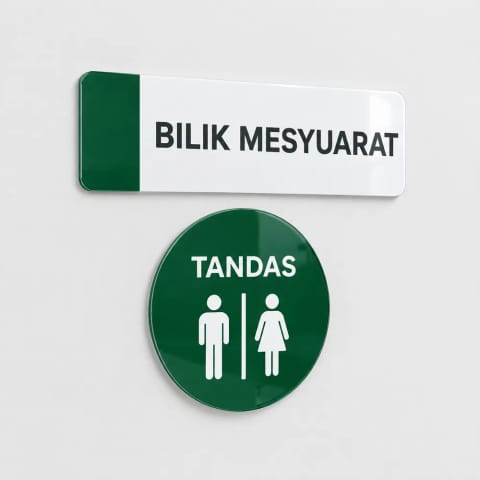
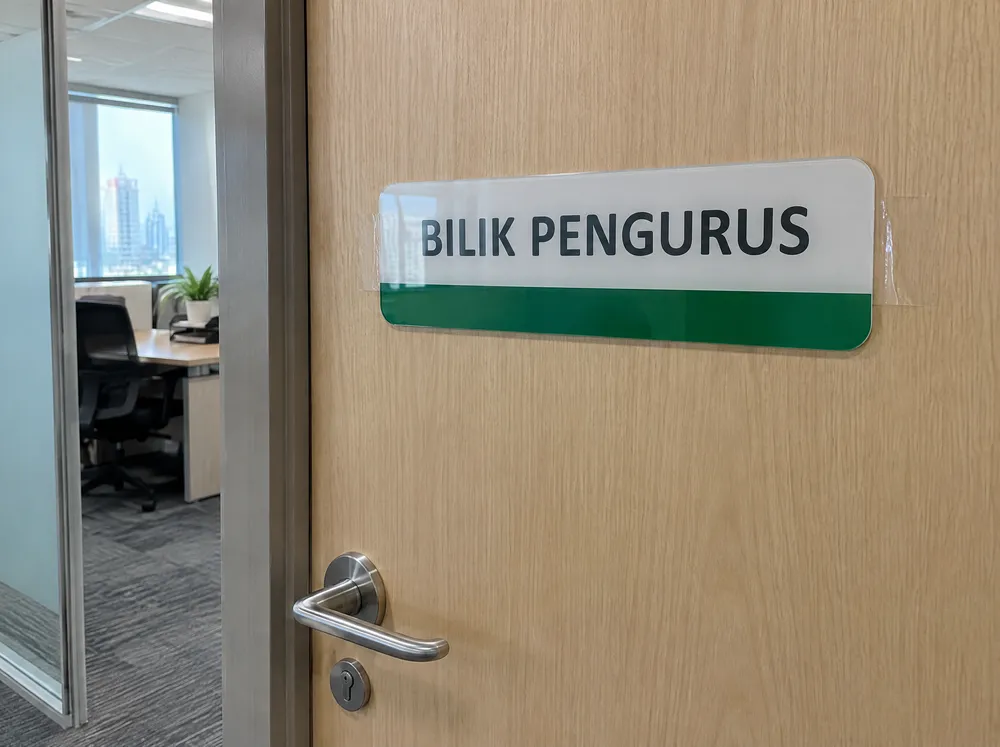
A useful room sign answers a small question quickly: which door, which direction or which table? Start with that task, then choose the wording, material and fixing. A consistent set helps people find their way around a café, clinic, office or tuition centre without asking staff each time.
You can order a custom door or room sign, choose an existing door-sign style, or buy an available stock item. These routes serve different needs. Choosing a ready design does not necessarily mean the finished sign is already in stock.
Match the sign to the reader's next action
Keep the main message short enough to understand while walking past. Use a room name on the door itself; use a direction sign before the point where someone must turn. For a table, make the number easy to tell apart from a menu price or promotional offer.
| Job | Put first | Check before ordering |
|---|---|---|
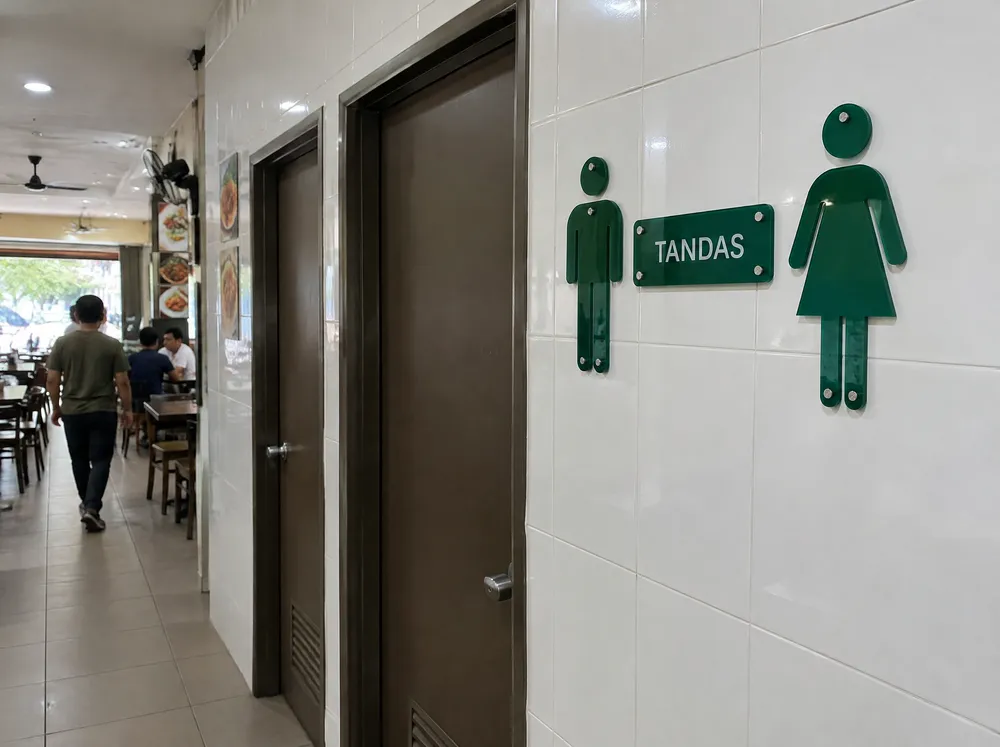
| Toilet identification | A familiar toilet symbol and clear wording | Which facilities the door actually serves |
| Office or meeting room | The room name or number | Whether names are likely to change |
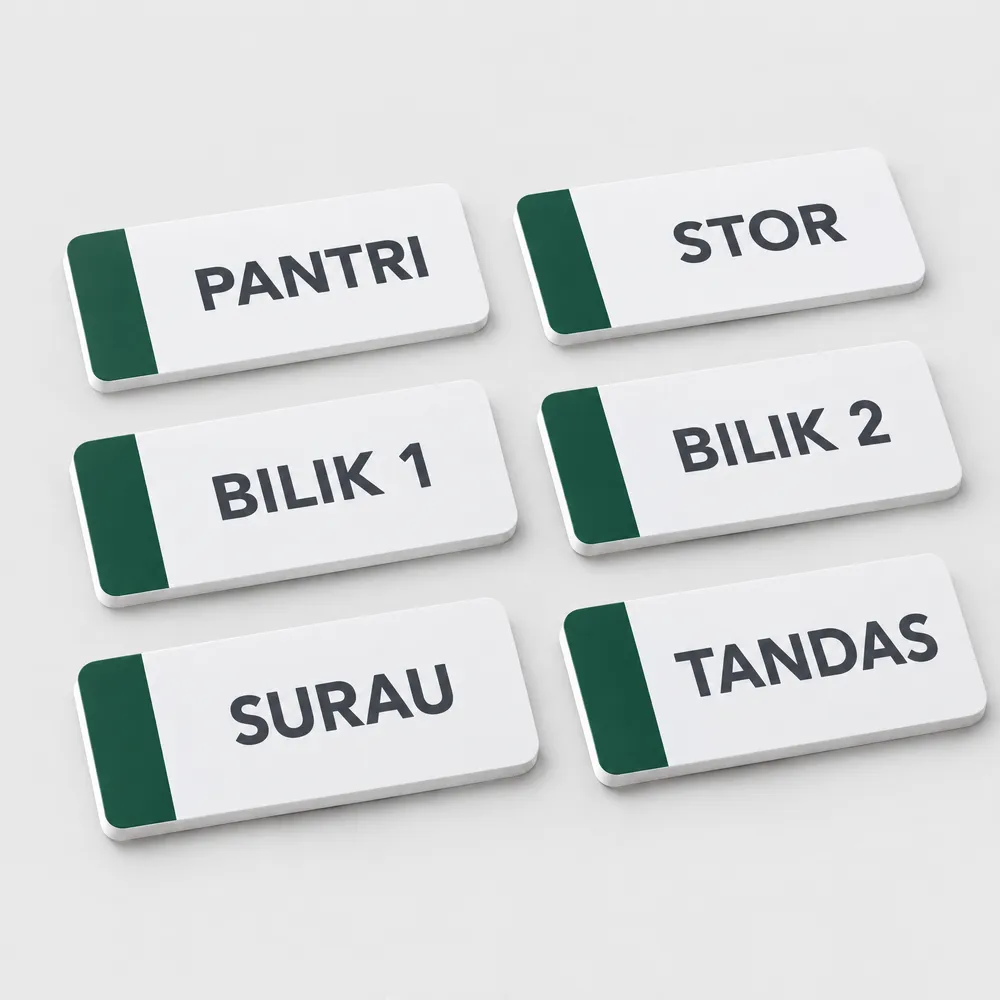
| Pantry, storeroom or staff area | The access or room message | Whether the wording needs a second language |
| Café table identification | A large, distinct table number | The complete number list and where each number will sit |
| Directions along a corridor | Destination and arrow | The approach direction and the position of the next sign |
For a Malaysian workplace, prepare the English, Bahasa Malaysia and any Chinese wording together. Have someone who reads each language check it. Matching translations across a set is easier before artwork is made than after several plates have been printed.
Choose stock, an existing style or your own artwork
Use Ready Stock when an available finished item matches your needs. Check the exact wording, dimensions, material and variant rather than assuming a similar thumbnail is the same product. Its stock and dispatch information belong to that item.
Use Daily Door Sign styles when you want an existing layout with the available wording and material choices. Styles include rectangular and square layouts, and an Everyday multilingual option. Read the selected style's controls to see what you can change. A design chosen this way is still a printed-to-order product unless its page says otherwise.
Use custom printing when your room name, logo, proportions or arrangement needs its own artwork. The custom door-sign page offers PVC, clear acrylic and frosted acrylic options. Select the size and finishing shown for the material, then supply your file or choose the available design help.
For other common messages, Signs & Designs is a useful starting point. Treat a design preview as a choice or reference within its ordering journey, not automatically as an editable production file. A blank artwork template, where offered, helps you position artwork to the selected size; it is not a finished sign design.
Pick a material that suits the actual door or table
PVC foamboard gives a light, opaque plate for room names and coordinated sets. Clear acrylic gives a glossy appearance; any areas left transparent reveal the wall or door behind it. Confirm which areas should remain clear on the proof. Frosted acrylic has a softer look for glass doors and partitions. Compare the actual material photographs before choosing.
Also consider what is behind the sign. Small dark wording can disappear against a dark door, while a clear panel may reveal a busy background. A photograph of the intended location helps explain the result you want. Describe whether the sign is indoors, sheltered or exposed instead of assuming one material suits every position.
For table numbers, decide whether you need a sticker fixed to the table, a rigid plate, or a holder that stands on the tabletop. These are different products. Start with the table-number sticker configuration for an adhesive label, and check its size and cutting options before using the example dimensions.
Make the quantity and wording unambiguous
Prepare a list with one line for each distinct design. For example: “Meeting Room 1, two copies; Pantry, one copy; Toilet, two copies.” For table numbers, list the sequence explicitly, including gaps, leading zeros or replacements.
Do not set quantity to twenty and assume that means twenty different room names or table numbers. Quantity normally means repeated copies of the selected design and specification. Add different artwork or wording as separate items, or confirm the agreed list through the design workflow. Automatic quantity discounts apply to repeated copies of one design, size and specification.
Check mounting and approve the exact proof
Choose mounting for the surface and use. Tape, drilled holes and standoffs describe different fixing arrangements; a photograph showing screws does not mean screws are included in every variation. Read the selected options and the order summary. For drilled signs, keep letters and symbols away from the agreed hole positions.
For printed-to-order signs, check every room name, translation, arrow and number against your list before approving. Confirm the dimensions, orientation, material and mounting marks as well as the visual design. Payment, file upload and a file check do not replace your approval of the exact proof. Production proceeds after the required payment and artwork approval.
FAQ
Can I order a toilet sign with my own wording?
Yes. Choose the custom door and room sign route for your own artwork, or check whether a Daily Door style offers the wording fields you need. Review the final wording and symbol together on the proof before printing.
Is a ready design the same as Ready Stock?
No. A ready design provides an existing artwork layout that can be printed with the available options. Ready Stock is a separate catalogue of available items. Check the actual product page for its specification and dispatch information.
How do I order different table numbers?
Prepare the exact list and identify whether you need stickers, plates or holders. Different numbers are different artwork, so do not assume a quantity field will create a sequence automatically. Use separate items or confirm the numbered artwork list through the design workflow.
Can I use one material for all my room signs?
Often that makes the set look consistent, but check every location first. An opaque plate on a timber door and a clear panel on a glass partition may need different artwork contrast or mounting. Confirm the choices for the actual surfaces.
Prepare your sign list
Record the message, language, width and height, number of copies, material and fixing for each sign. Then choose the matching stock, existing-style or custom-print route. A complete list makes both the quote and proof easier to check.